LOGNE PowerPoint Template: Clean, Modern Business Design
You know that feeling when you sit down to build a presentation and realize you're starting from scratch? The blank slide stares back at you, and suddenly you're spending hours tweaking fonts, aligning boxes, and second-guessing color choices. The LOGNE PowerPoint Presentation Template exists to solve exactly that problem. It's a clean, modern template designed primarily for business presentations, though its versatility extends well beyond boardroom slides.
What makes this template worth your attention isn't just its visual appeal—it's the practical foundation it provides for anyone who needs to communicate ideas clearly and professionally. Whether you're pitching investors, presenting quarterly results, teaching a workshop, or showcasing a portfolio, LOGNE gives you a structured starting point that looks polished without requiring design expertise.
A Template Built for Real Business Communication
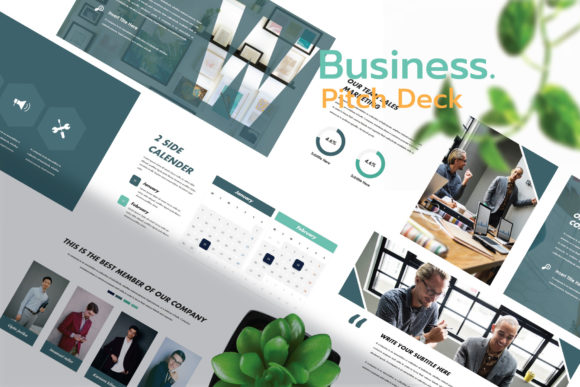
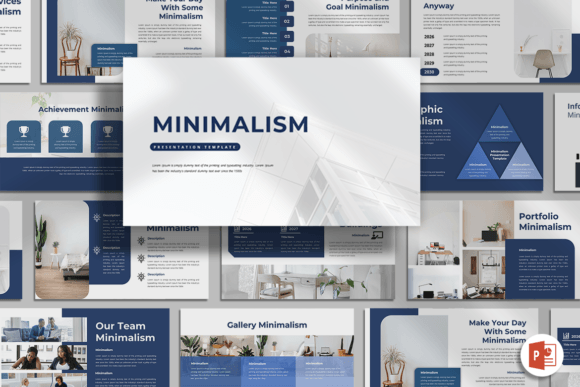
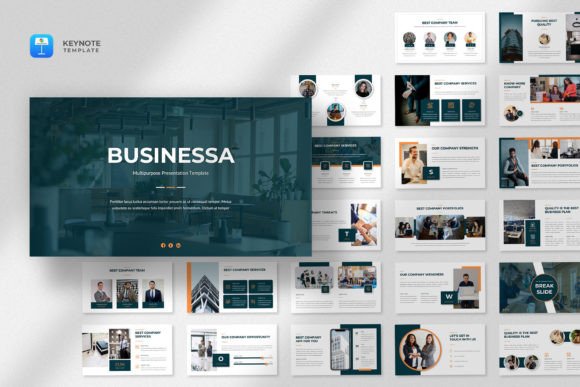
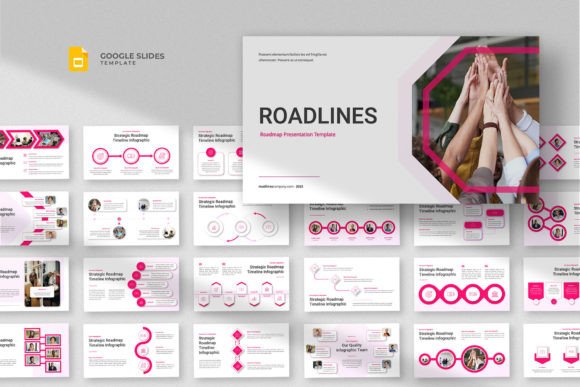
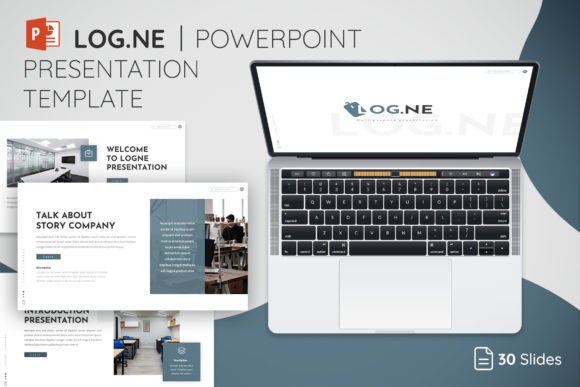
The visual personality of the LOGNE PowerPoint Presentation Template leans toward minimalism with purpose. Clean lines, generous white space, and a restrained color palette define its aesthetic. This isn't a template that shouts for attention with flashy animations or busy backgrounds. Instead, it lets your content take center stage while maintaining a professional atmosphere throughout every slide.
With 30 unique slide layouts and 150 total slides across five color themes, you have genuine flexibility. The five theme colors mean you can adapt the template to match your brand identity without manually recoloring every element. Whether your company uses deep navy, warm terracotta, or cool teal, one of the included themes will likely get you close to where you need to be.
The master slide architecture matters more than most people realize. Because layouts are based on master slides, changes you make at the template level cascade through your entire presentation. Update a font choice or adjust a color accent once, and it reflects everywhere. This saves significant time during revisions and keeps your design consistent from the first slide to the last.
Where This Template Truly Shines
Business presentations are the obvious use case, but the LOGNE PowerPoint Presentation Template adapts naturally to several other scenarios. Entrepreneurs preparing pitch decks will appreciate the structured layouts for data visualization, team introductions, and value propositions. Marketers can use it for campaign presentations, strategy overviews, and client reporting. Educators and trainers find it works well for workshop materials and course content.
The template also serves content creators and bloggers who need presentation-style graphics for social media. Export individual slides as images for Instagram carousels or LinkedIn posts. Small business owners presenting at local events, chambers of commerce meetings, or networking gatherings will find the template projects credibility without looking corporate to the point of coldness.
Designers working with clients on brand identity projects can use LOGNE as a foundation for mood board presentations, concept reveals, and style guide walkthroughs. The clean aesthetic provides a neutral canvas that doesn't compete with the creative work you're showcasing.
Practical Features That Save You Time
The drag-and-drop image placement might sound like a small feature, but it eliminates one of the most frustrating aspects of working with presentation templates. Instead of wrestling with placeholder frames and alignment issues, you simply drop your photos into designated areas. The layouts handle positioning and sizing based on the master slide structure.
Full editability means every element—text boxes, shapes, icons, colors, and layouts—can be modified to suit your specific needs. This isn't a template where you're locked into rigid structures. Resize elements, move components, adjust spacing, and customize typography to match your vision. The included icon library adds another layer of utility, giving you visual elements to enhance slides without hunting for external graphics.
One practical note: photos aren't included in the package. Budget time for sourcing appropriate imagery. Stock photography sites, your own photography, or client-provided images will fill those placeholder areas. Planning your visual content before diving into slide editing makes the entire process smoother.
Typography and Readability Considerations
The template uses free fonts, with links provided in the Read Me documentation. This is a thoughtful inclusion that prevents font licensing headaches and ensures your presentation displays correctly on any machine. Modern typography choices in the template prioritize readability at various screen sizes—important when you're presenting on a projector, sharing your screen over video calls, or distributing slides as PDF documents.
Consider how your chosen font pairing affects visual hierarchy. The template's text layouts are designed with clear distinctions between headings, subheadings, and body text. Maintaining that hierarchy as you add your content keeps information organized and scannable. Your audience should be able to grasp the structure of each slide within seconds of it appearing on screen.
Getting the Most from Your Investment
Before committing to any presentation template, evaluate it against your actual workflow. Open the PPTX files and spend thirty minutes exploring the layouts. Do the slide structures match how you naturally organize information? Are there enough data-driven layouts if you work with charts and numbers? Does the overall aesthetic align with your brand's personality?
Test the template with real content rather than placeholder text. Drop in your actual company logo, use your brand colors, and populate slides with genuine information. This reveals whether the template truly serves your needs or merely looks impressive with sample content.
The LOGNE PowerPoint Presentation Template works best for professionals who value clarity and modern design over decorative complexity. If your presentations need to convey competence, organize information logically, and maintain visual consistency across dozens of slides, this template delivers a solid foundation. Download the files, review the documentation, and start building presentations that communicate your ideas with the professionalism they deserve.