Minimalism - PowerPoint Template: Clean Design for Clear Communication
When you're building a presentation, the last thing you want is a template that fights your content. You need a foundation that lets your ideas breathe and your message land with impact. That's the core promise of the Minimalism - PowerPoint Template. It's not about being sparse or boring; it's about intentional design. This template provides a clean, modern canvas where your photos, data, and key points become the undeniable focus, eliminating the visual clutter that distracts audiences.
The Visual DNA of a Minimalist Template
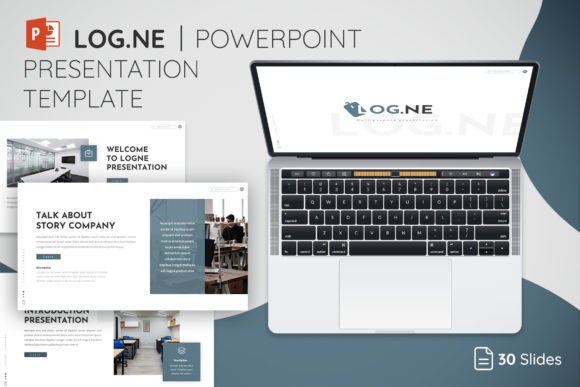
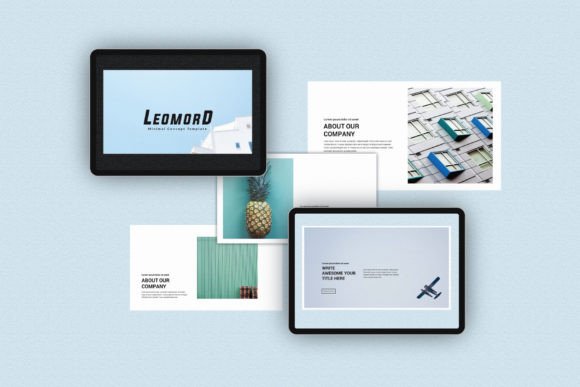
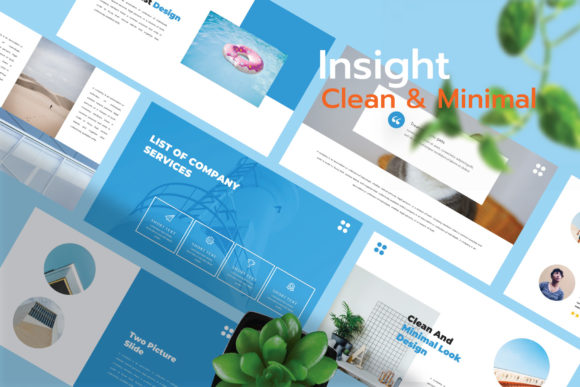
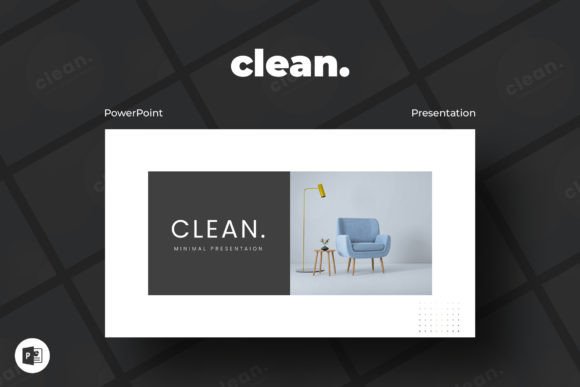
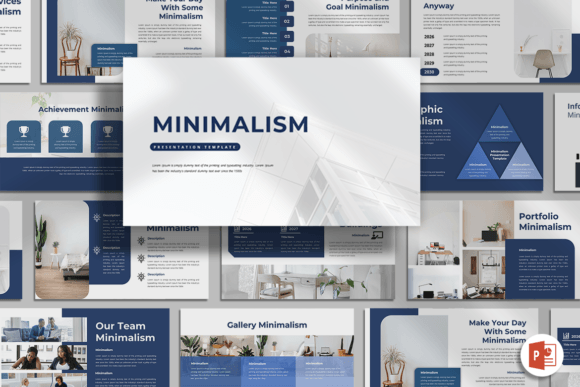
At its heart, this template embodies a design philosophy of "less, but better." You'll notice a strong reliance on clean sans serif font choices, which contribute to a contemporary and highly legible appearance. The layouts are structured with ample white space—this isn't empty space, but active space that guides the viewer's eye through your content in a deliberate sequence. The color palettes are intentionally restrained, often built from a primary accent color paired with sophisticated neutrals like charcoal, slate, and off-white. This creates a professional and cohesive brand identity across all 15 slides.
The personality is one of confidence and clarity. It doesn't shout; it speaks directly. Shapes are geometric and simple, used as containers for images or as subtle dividers. The overall style feels both timeless and forward-thinking, making it a versatile asset for any professional. Whether you're using it for a corporate quarterly review or a creative portfolio showcase, the template's aesthetic adapts to become the perfect frame for your specific content.
Where This Template Truly Shines
The strength of the Minimalism - PowerPoint Template lies in its versatility. Its design is a neutral yet powerful starting point for a wide range of real-world applications.
- Creative Agencies & Startups: Perfect for pitch decks and company profiles where you need to convey innovation and clarity without overwhelming potential investors or clients. The clean slides let your product or service visuals and key metrics stand out.
- Corporate & Business Use: Ideal for internal reports, strategy presentations, and team meetings. The professional structure enhances credibility and makes complex information digestible. The easy-to-change colors mean you can align it perfectly with your existing corporate brand guidelines in minutes.
- Portfolio & Photography: This is where the template's image placeholder functionality truly excels. It provides a gallery-like setting for your work, allowing the quality of your photographs, designs, or projects to be the sole focus. The drag-and-drop image feature simplifies the process of building a stunning visual showcase.
- Marketing & Content Creation: Bloggers, publishers, and social media managers can use it to create cohesive content strategy decks, media kits, or campaign summaries. The consistent design language helps reinforce brand recognition across all materials.
Practical Guidance for Using the Template
Getting the most out of this asset involves more than just dropping in your content. Here’s how to approach it strategically.
First, evaluate the project fit. While incredibly versatile, consider if a minimalist aesthetic aligns with your brand's core personality. If your brand is vibrant, energetic, and maximalist, you might use this for specific internal documents rather than your main sales pitch. For most modern brands, however, its clean professionalism is a significant advantage.
Next, focus on your content hierarchy. The template is designed to support a clear visual hierarchy. Use the pre-set title and body text placeholders to structure your narrative. Don't be afraid to use a full-bleed image slide for a dramatic pause or a key visual statement, then follow it with a data-driven slide using clean charts. The consistency of the 16:9 ratio and the unified design elements will tie it all together.
Customization is key to ownership. The template is fully editable, which is its greatest strength. Change the accent color to your brand's primary hue. Swap the suggested free font for one from your own brand identity system if needed. The goal is to make the template feel like a natural extension of your brand, not an off-the-shelf solution. Review the included styles—there are unique custom slides for various purposes, so explore them to find the best layout for each part of your story.
Finally, consider your audience's experience. Minimalism aids readability, both on a large projector screen and when viewed on a laptop. The clean lines and ample spacing reduce cognitive load, allowing your audience to focus on your message. This thoughtful approach to design demonstrates professionalism and respect for your viewers' time and attention.
In a world saturated with noise, the Minimalism - PowerPoint Template offers a respite. It provides the structure and elegance needed to communicate complex ideas with clarity and style. By leveraging its clean layouts, intuitive editing features, and versatile design, you can create presentations that don't just share information, but make a lasting, professional impression. It's a design asset that works as hard as you do, ensuring your content is always presented at its best.